
Product photography that understands the arrangement, not just the background
Most tools swap the backdrop and call it done. BloomShot also controls how much gets touched, generates the sizes that upsell customers, and hands you formats ready for wherever you actually sell.
5 free photos. No credit card.
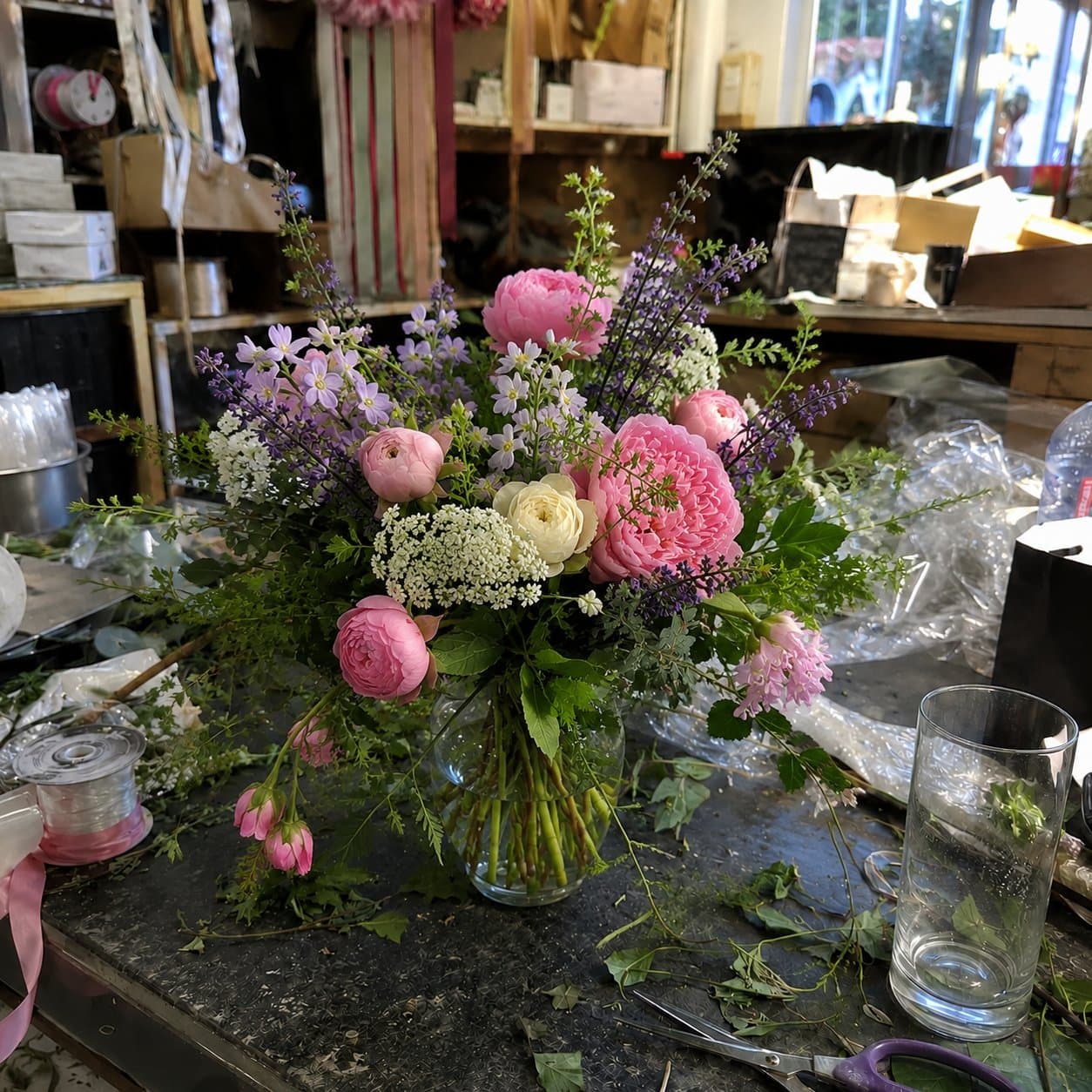
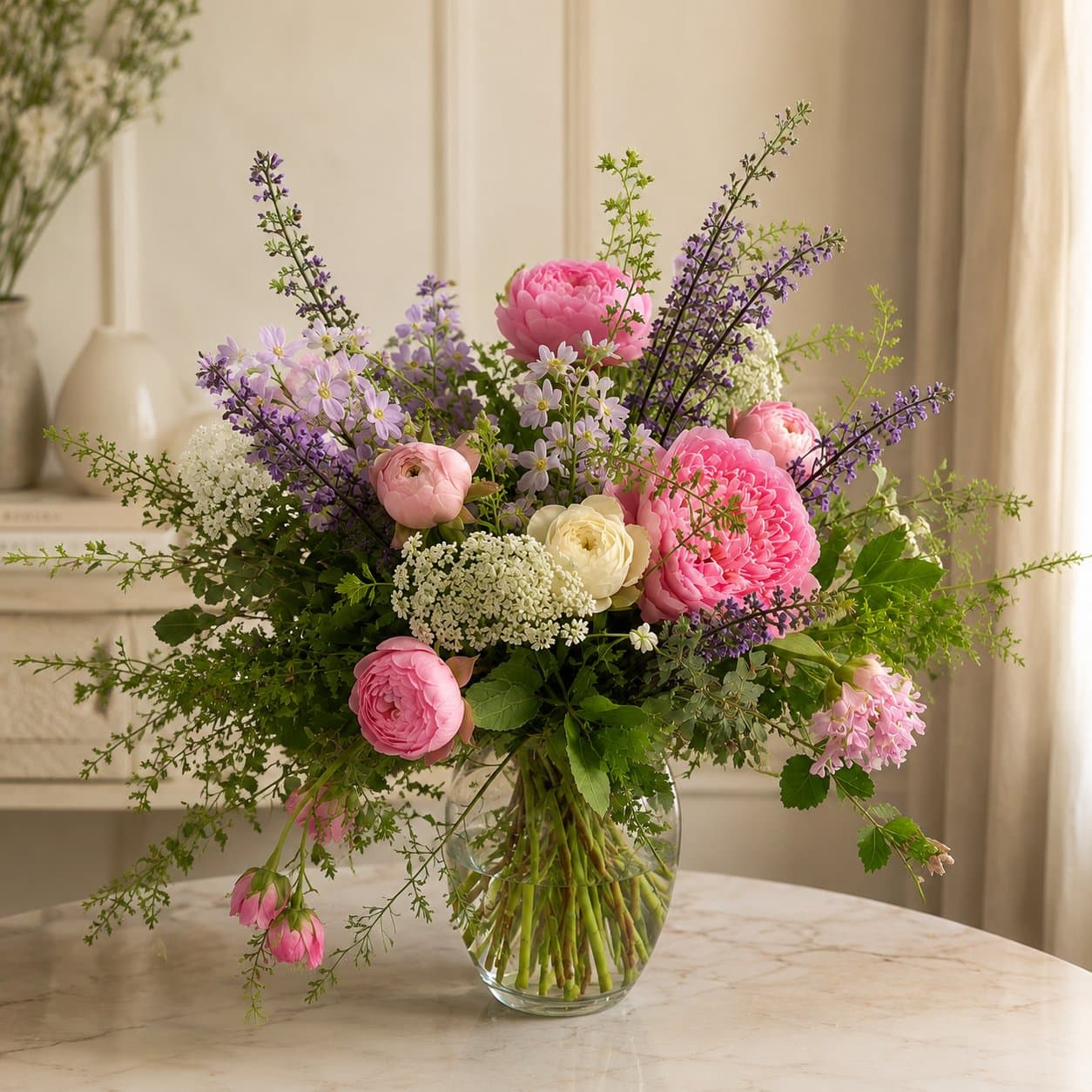
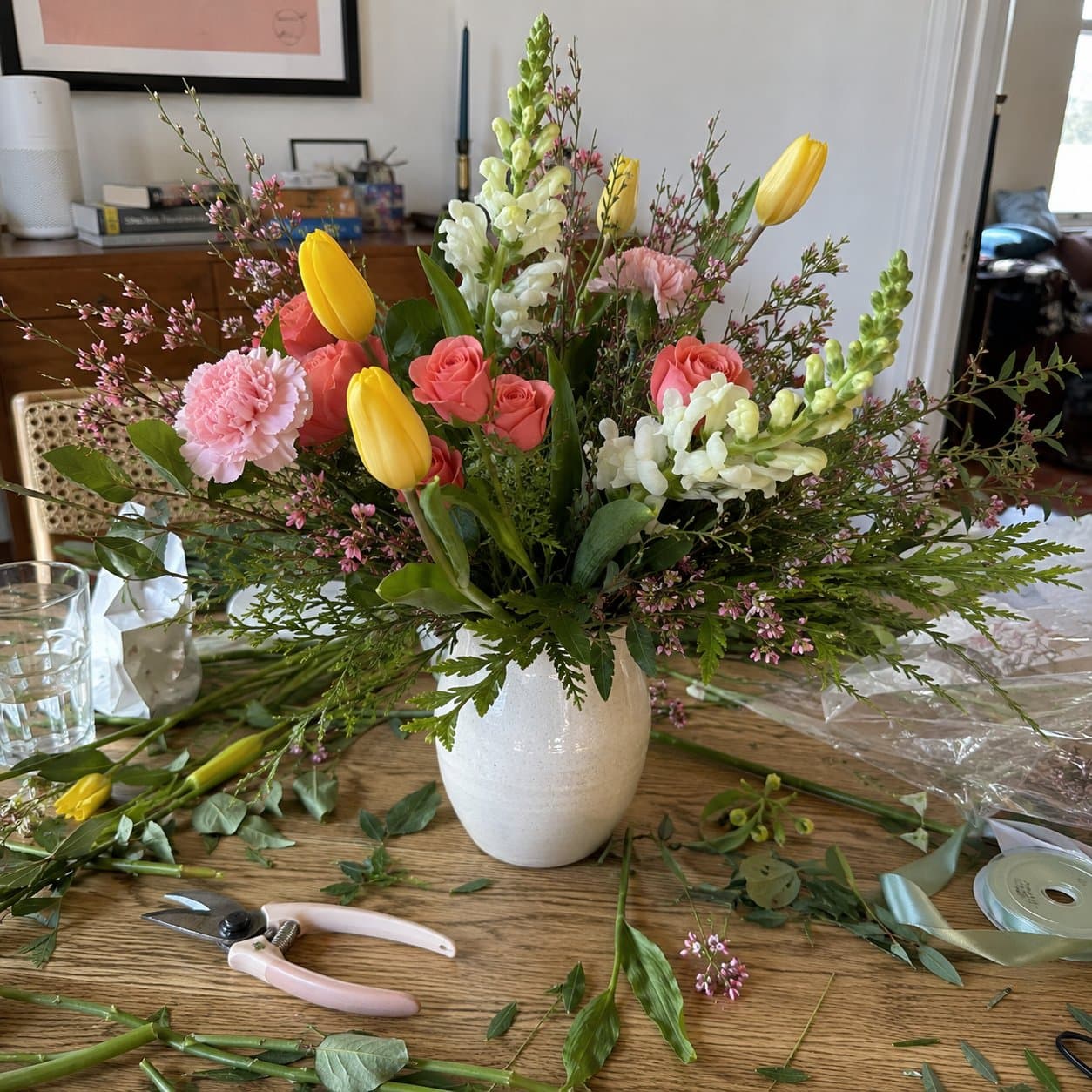
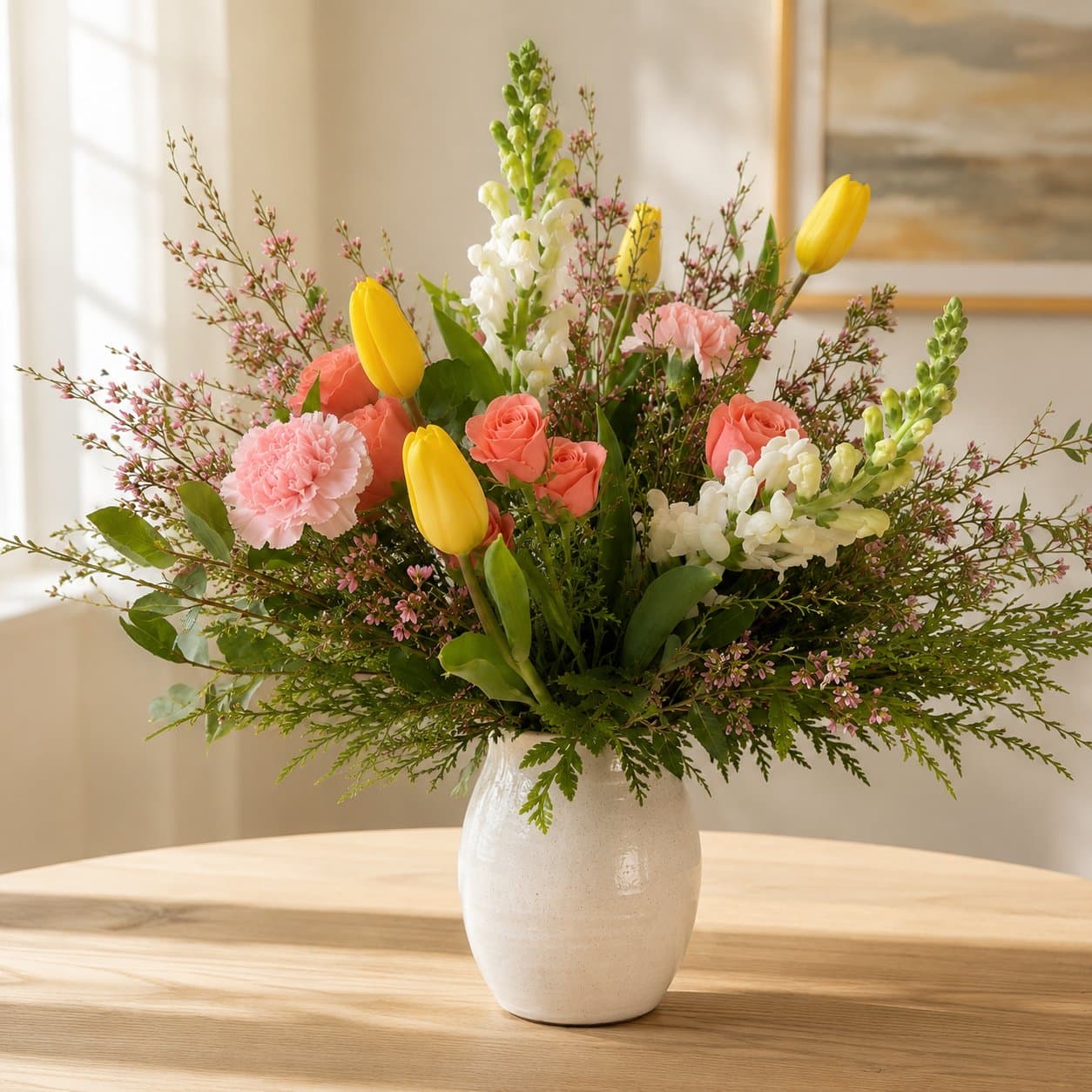
What “arrangement intelligence” actually means
A fidelity dial, not a guess
True to life relights and re-backgrounds only, nothing about the arrangement changes. Polished can tidy a stray leaf. Showcase adds subtle polish for social. You choose how much, every time, so what customers see always matches what they get.
One photo, three sizes
Standard, Deluxe, and Premium versions from a single upload, so customers can actually see what the bigger option looks like before they buy it. That is a revenue tool for your shop, not just a photo shortcut.
It knows a sympathy piece from a corsage
Presets and handling built around real florist categories. Sympathy work gets muted, respectful treatment automatically instead of the same bright showroom look as a birthday bouquet.
Built for where you actually post
One render exports to your website's product size, Instagram square and story dimensions, named sanely, ready to upload. You need sales assets, not just a nicer JPEG.
Fidelity is the whole point
The most common complaint in this industry is a photo that oversold what actually arrived. BloomShot defaults to changing less, not more. Same flowers, same species, same colors, same container, every time, no matter which fidelity mode you pick.
Questions
Is this just background removal?+
No. Background swap tools stop at the backdrop. BloomShot also relights the arrangement to match the new scene, offers fidelity control over how much (if anything) gets tidied, and generates the size and format variants your shop actually needs to sell.
Will my sympathy arrangements look right?+
Sympathy presets use muted, respectful scenes and default to True to life fidelity, so nothing about a memorial piece gets embellished or brightened the way a celebration bouquet might be.
Can I really get three sizes from one photo?+
Yes, on the Pro and Studio plans. Upload one photo of your standard arrangement and BloomShot generates Deluxe and Premium versions with proportionally more flowers and greenery, so customers can compare before they choose.
Where can I actually use the photos?+
Anywhere: your website product pages, Instagram, Facebook, print materials. Exports are sized for the platforms florists actually use, not just a single square crop.
See what your arrangements look like with arrangement intelligence behind them.
Transform my first photo5 free photos. No credit card.
Related